
Choosing the right Gaming monitor is one of the most important upgrades for any gamer today. Whether you play on PS5, Xbox Series X/S, or a powerful gaming PC, your monitor directly affects smoothness, responsiveness, and visual quality. Modern consoles are capable of 4K resolution, high frame rates, and advanced features like Variable Refresh Rate (VRR). However, to fully experience these features, you need a compatible adapter that supports HDMI 2.1, high refresh rates, and low input lag.
What Makes a Good Gaming Monitor?
It is not just about looking sharp—it’s about performance. Here are the key features that matter most:
Refresh Rate
Refresh rate refers to how many frames your screen shows per second. Higher refresh rates (120Hz, 144Hz, 165Hz) make gameplay smoother and reduce motion blur. For example, next-gen consoles like PS5 and Xbox Series X support up to 120Hz gaming for compatible games.
Response Time
Response time measures how quickly pixels change color. A lower response time (1ms–5ms) reduces ghosting and improves clarity in fast action scenes.
Resolution
Resolution affects image sharpness:
- 1080p: Smooth performance, budget-friendly
- 1440p: Balanced option for most gamers
- 4K: Ultra-sharp visuals for next-gen gaming
HDMI 2.1 Support
HDMI 2.1 is essential for full next-gen console performance. It allows:
- 4K at 120Hz output
- VRR (smooth gameplay without screen tearing)
- Higher bandwidth for modern consoles
According to industry testing, HDMI 2.1 is required to unlock full 4K 120Hz gaming on PS5 and Xbox Series X .
HDR and Color Quality
HDR improves brightness, contrast, and color depth, making games look more realistic and immersive.
Best Gaming Monitor for PS5 Gaming
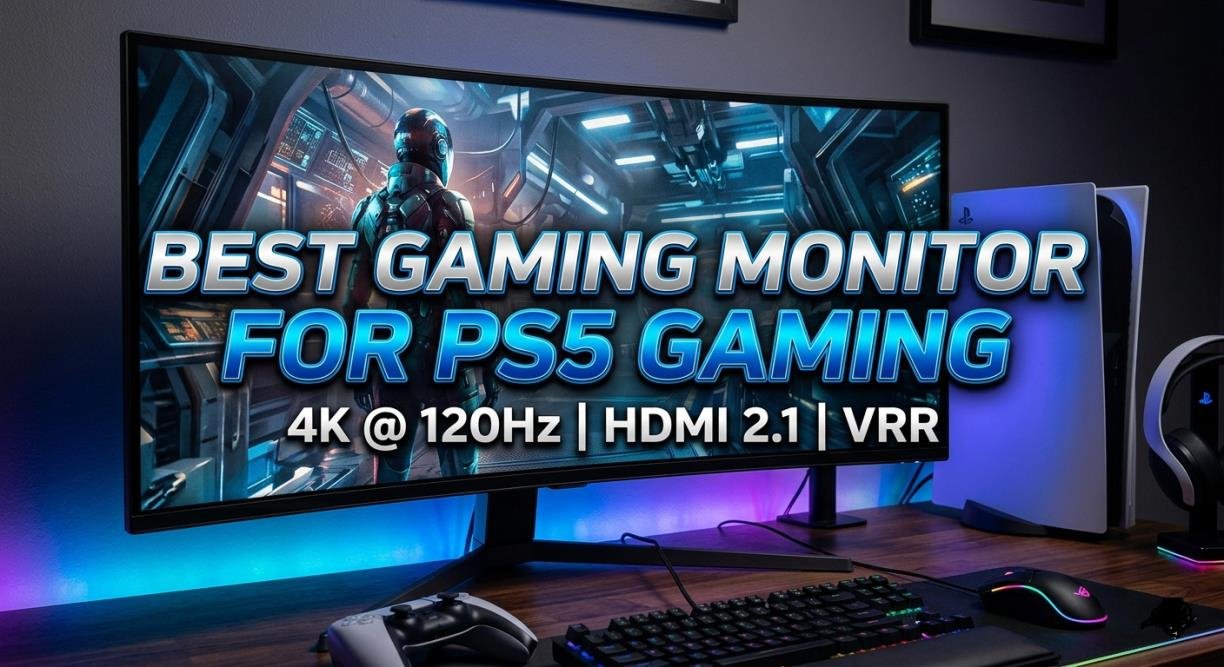
The PS5 is designed to support high-performance gaming, but only with the right hardware.
To fully use PS5 capabilities, your monitor should include:
- HDMI 2.1 support
- 120Hz refresh rate
- Low input lag
- VRR support (optional but useful)
PS5 uses HDMI 2.1 VRR for smoother gameplay, which helps reduce screen tearing and stuttering in supported games .
Best Resolution and Refresh Rate for PS5
The PS5 supports:
- 4K at 120Hz (on supported monitors)
- 1440p at high refresh rates
- 1080p for competitive gaming
Many modern monitors use HDMI 2.1 to unlock 4K 120Hz performance, which is considered the “ideal setup” for PS5 gaming.
Why HDMI 2.1 Is Important
Without HDMI 2.1, your PS5 will be limited to lower refresh rates or resolutions. HDMI 2.1 provides the full bandwidth needed for next-gen gaming performance, making it a must-have feature for serious gamers.
Best Gaming Monitor for Xbox Gaming
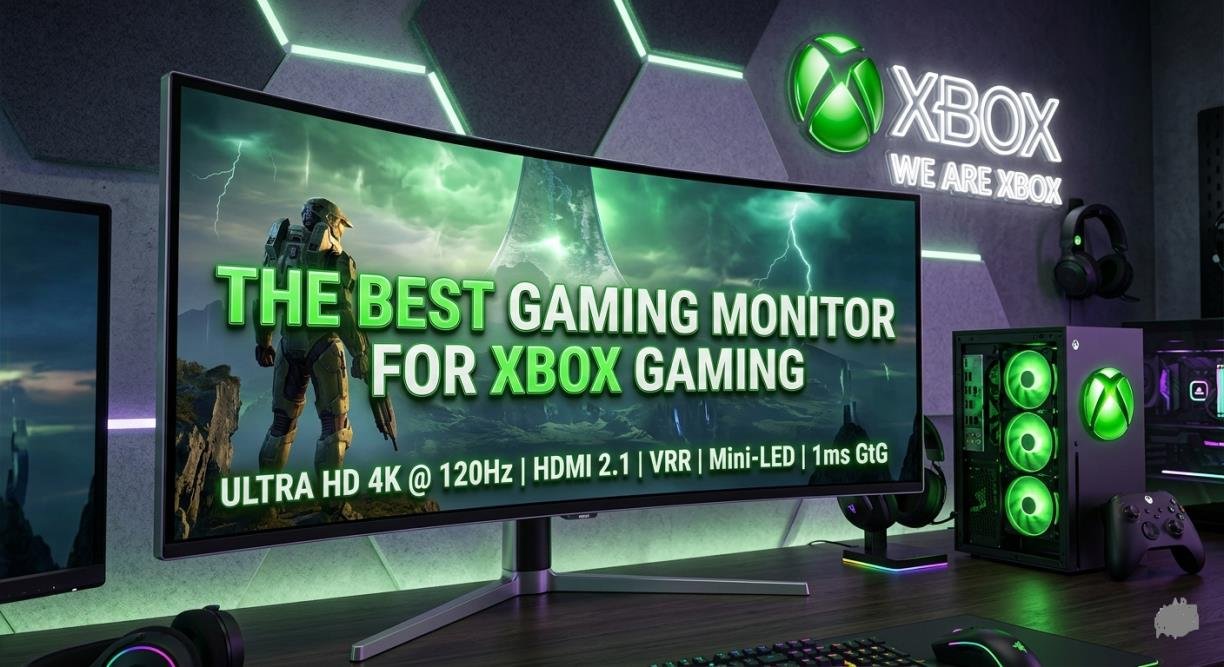
Xbox Series X and Series S are powerful consoles, but they also depend heavily on display support.
A good monitor for Xbox should include:
- HDMI 2.1 port
- 120Hz refresh rate
- VRR support
- Low input lag
According to console testing, Xbox Series X fully supports 4K gaming at up to 120Hz on compatible monitors .
120Hz Gaming Experience Explained
120Hz gaming makes movement feel extremely smooth. In fast-paced games like shooters or racing titles, this results in:
- Faster reaction time
- Reduced motion blur
- More fluid gameplay
Best Screen Size for Xbox Gaming
- 27-inch: Best for desk setups
- 32-inch: Best for immersive console gaming
Best Gaming Monitor for PC Gaming
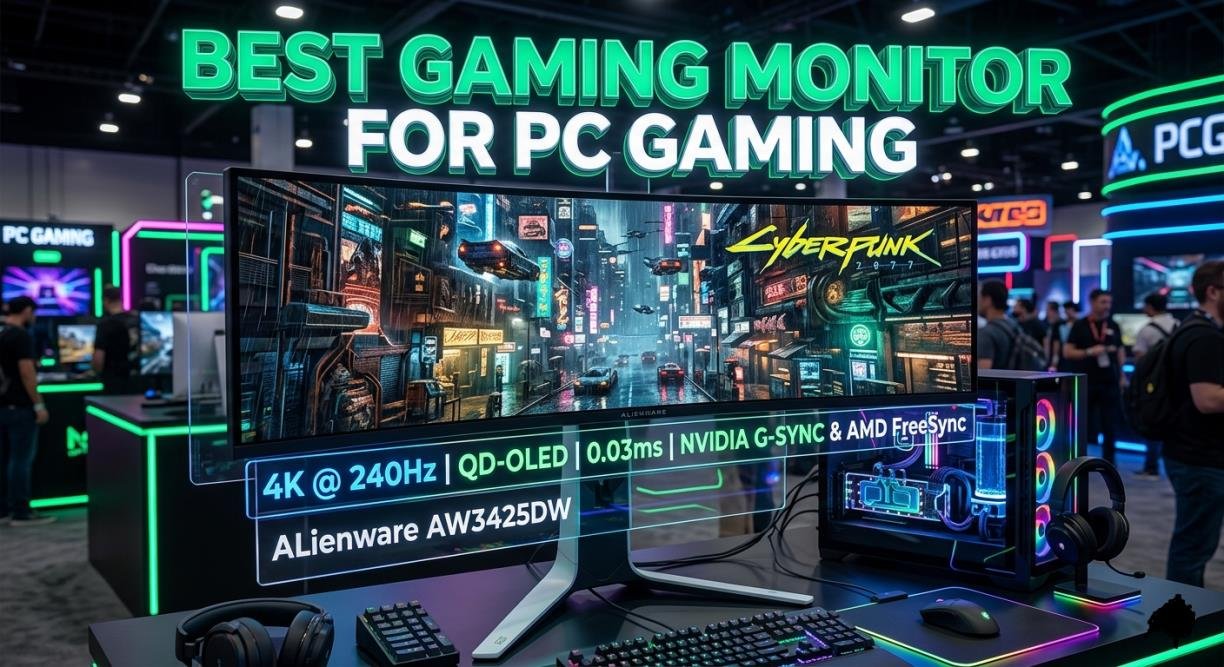
PC gamers have more flexibility, but the right gaming monitor still matters.
- Competitive gamers prefer 1080p with 144Hz–240Hz for maximum speed
- Casual gamers prefer 1440p or 4K for better visuals
Best Monitor for High FPS Games
For esports titles like Valorant, CS2, or Apex Legends, high refresh rate monitors (144Hz or more) are ideal.
Ultrawide vs Standard GamingMonitors
- Ultrawide: More immersive, wider field of view
- Standard: Better for competitive gaming and console compatibility
Note: Consoles like PS5 and Xbox do not support ultrawide formats properly, often resulting in black bars.
GamingMonitor Panel Types Explained
IPS Panel
- Best color accuracy
- Wide viewing angles
- Balanced performance
VA Panel
- High contrast
- Deep blacks
- Great for cinematic gaming
TN Panel
- Fastest response time
- Lower color quality
- Used mostly in esports setups
1080p vs 1440p vs 4K Gaming Monitor
- 1080p: Best FPS performance
- 1440p: Balanced choice
- 4K: Best visual quality
Higher resolution improves sharpness, detail, and immersion.
Which Should You Choose?
- PS5/Xbox: 1440p or 4K
- Competitive PC gaming: 1080p
- High-end gaming: 4K
Curved vs Flat GamingMonitor
- More immersive experience
- Better for large screens
- Reduced eye strain
When Flat Monitors Are Better
- Competitive gaming
- Multi-monitor setups
- Console gaming setups
Best Gaming Monitor Sizes for Different Setups
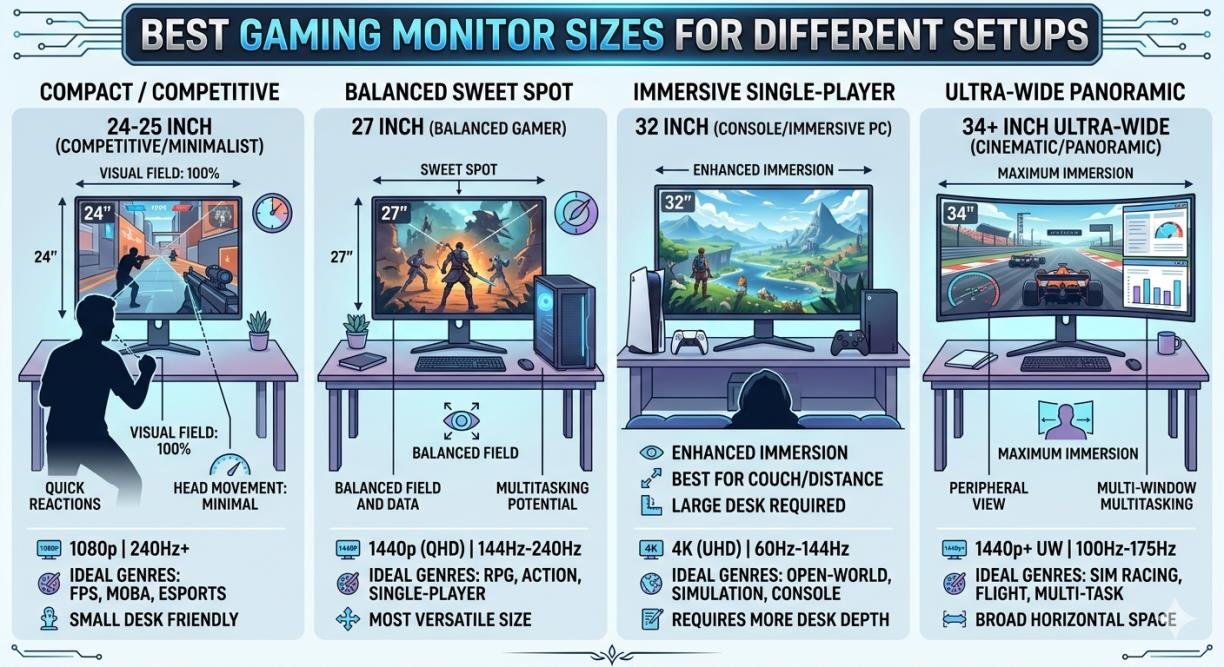
24-Inch GamingMonitor: A 24-inch Gamingmonitor is ideal for competitive gaming because everything stays within your field of view. It also fits perfectly on small desks and compact gaming setups.
27-Inch GamingMonitor: A 27-inch Gamingmonitor offers the best balance between screen size, sharpness, and comfort. It is the most popular choice for both console and PC gamers.
32-Inch GamingMonitor: A 32-inch Gamingmonitor delivers a more immersive gaming experience with a larger display area. It is especially great for console gaming, story-driven titles, and 4K visuals.
Common Mistakes to Avoid When Buying a Gaming Monitor
- Ignoring refresh rate (most important factor)
- Choosing wrong resolution for your setup
- Buying without HDMI 2.1 for next-gen consoles
- Paying extra for unnecessary features
Many gamers make the mistake of buying a monitor that cannot fully utilize PS5 or Xbox capabilities.
Tips for Setting Up Your GamingMonitor
- 24-inch Gamingmonitor: 2–3 feet for clear focus and comfort during gameplay.
- 27-inch Gamingmonitor: 3–4 feet for balanced viewing and reduced eye strain.
- 32-inch Gamingmonitor: 4–5 feet for a wider, more immersive experience.
Best Display Settings: Enable Game Mode and adjust brightness for best clarity.
Cable Management Tips: Use cable clips or ties to keep your setup clean and organized.
Conclusion
Choosing the right Gaming monitor depends on your platform and gaming style. PS5 and Xbox players should focus on HDMI 2.1, 120Hz support, and 4K capability, while PC gamers should prioritize refresh rate and response time. A good is not just a display—it’s a performance upgrade that directly improves your gaming experience. If you choose wisely, you’ll enjoy smoother gameplay, better visuals, and a serious competitive advantage.
FAQs
Is a 144Hz gaming monitor good for the PS5?
Yes, at 144Hz it works well with PS5, but the console only supports up to 120Hz output.
Can Xbox Series X run 4K 120Hz?
Yes, Xbox Series X can run 4K at 120Hz, but only on a monitor that supports HDMI 2.1.
Is a curved monitor worth it?
Yes, it is curved and it is great for immersive gaming and cinematic experiences.
Which monitor size is best for gaming?
It offers a good mix of sharpness, comfort, and performance for both console and PC gaming.