
In today’s digital world, storage speed matters more than ever. Traditional hard drives are slow, and even older SSDs can feel limited for demanding applications like gaming, video editing, and large-scale data processing. That’s where the Gen 5 SSD comes in. It is the latest generation of solid-state drives, offering dramatically faster speeds and improved performance compared to previous generations. Whether you’re using a PC, laptop, or high-end gaming rig, it can reduce load times, speed up file transfers, and improve overall system responsiveness.
What is a Gen5 SSD?
It refers to a solid-state drive that uses the PCIe 5.0 interface along with the NVMe standard for high-speed data transfer. PCIe 5.0 doubles the bandwidth of PCIe 4.0, allowing it to achieve unprecedented read and write speeds. Compared to Gen 4 SSDs, it offers significantly higher sequential and random performance, making them ideal for high-performance computing tasks. These drives are also backward compatible with older PCIe slots, meaning they can work in systems that don’t yet support PCIe 5.0, though at lower speeds.
Speed and Performance of Gen 5 SSD
It delivers impressive sequential read and write speeds, often reaching up to 14,000–15,000 MB/s, which is roughly twice as fast as Gen 4 SSDs. This makes transferring large files, installing software, or booting your operating system much quicker.
Random Performance: In addition to sequential speed, it excels in random read/write tasks. This helps when accessing multiple small files simultaneously, improving multitasking performance and responsiveness in demanding applications.
Real-World Improvements: For everyday tasks like web browsing or office work, the speed boost may not be immediately noticeable. However, in activities like gaming, video editing, or data-heavy workloads, it can reduce load times and handle large files efficiently.
Impact on Boot Times and File Transfers: With higher throughput, booting your system, launching applications, and transferring files is noticeably faster. Gamers benefit from shorter game load times, and professionals working with large datasets can save significant time on file operations.
Key Features of Gen 5 SSD
The PCIe 5.0 interface enables it to handle more data simultaneously, doubling the bandwidth compared to PCIe 4.0. This is a crucial feature for applications requiring high-speed data transfers.
Advanced Controller Technology: Modern use sophisticated controllers that manage data efficiently, boosting both sequential and random performance while ensuring reliability.
Heat Management and Durability: Higher speeds generate more heat. Gen 5 SSD often come with improved thermal solutions or heatsinks to prevent throttling and maintain consistent performance. They are also built for durability, with high endurance ratings to withstand heavy workloads.
Features for Gamers and Content Creators: Gamers experience faster game loading and smoother texture streaming, while content creators benefit from rapid access to large media files, making editing and rendering more efficient.
Gen 5 SSD vs Gen 4 SSD: Should You Upgrade?
It consistently outperforms Gen 4 drives in sequential and random speed, offering roughly double the maximum bandwidth. This makes them ideal for heavy workloads and future-proofing your system.
Price vs Value: While Gen 5 SSD are more expensive than Gen 4 drives, the upgrade is worthwhile if you need extreme performance. For general users, Gen 4 SSDs still provide excellent value.
Ideal Use Cases for Upgrade
Consider upgrading to it if you:
- Work with large media files or 4K/8K video
- Perform data-heavy tasks or run virtual machines
- Need maximum gaming performance with reduced load times
For standard everyday use or casual gaming, Gen 4 SSDs remain sufficient.
How to Install a Gen 5 SSD
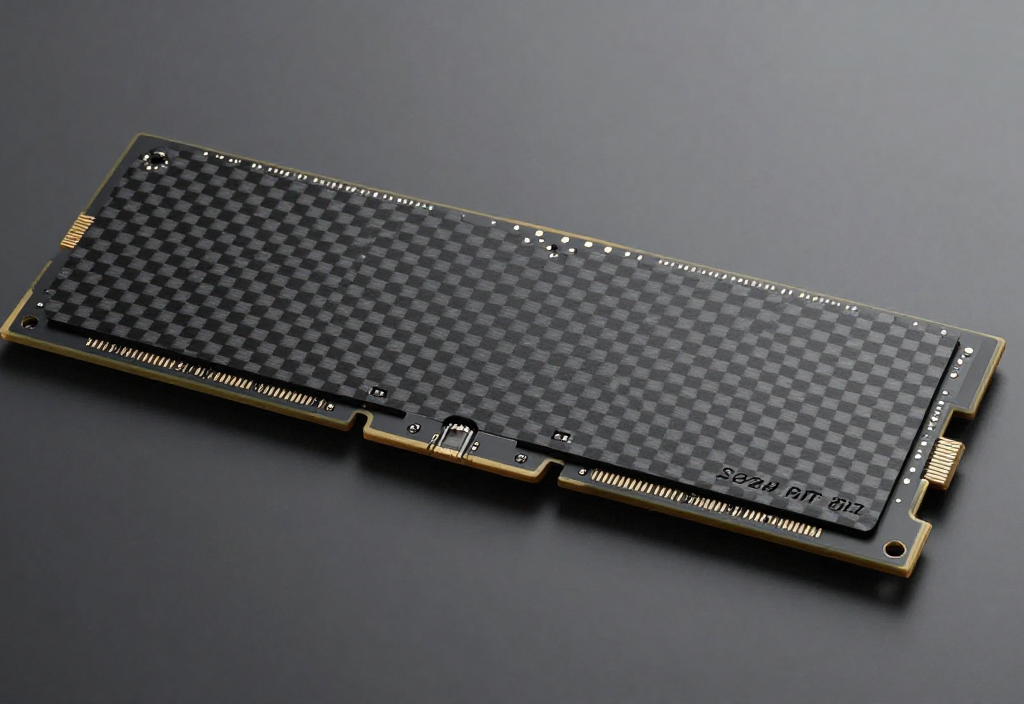
Installing it is straightforward:
- Power off your PC and unplug it.
- Locate the M.2 PCIe slot on your motherboard.
- Insert the SSD at an angle and secure it with the screw.
- Close your case and boot your system.
- Format and initialize the drive in your operating system.
Tips for Maximum Performance
- Enable PCIe 5.0 mode in BIOS if available.
- Use a heatsink if the drive runs hot.
- Keep firmware updated for stability and performance.
Best Gen 5 SSDs in 2026
Some of the top it in 2026 include the Kingston FURY Renegade G5, known for its high-speed performance and reliability. The SanDisk PC SN8050S is another excellent option, offering fast and efficient performance for large workloads. Other notable features are that it delivers impressive read/write speeds and long-term durability. When choosing a drive, consider the TBW (total bytes written) and whether it includes a heatsink for better thermal management.
Wrapping up
The Gen 5 SSD represents a major leap in storage technology, offering unmatched speed, high bandwidth, and advanced features for gamers, creators, and professionals. While not every user will notice huge gains in everyday tasks, anyone working with large files, performing heavy workloads, or seeking a future-proof system can benefit from upgrading to it.
FAQs
What is a Gen 5 SSD?
It is a solid-state drive using the PCIe 5.0 interface for faster read/write speeds. It offers double the bandwidth of Gen 4 SSDs for high-performance tasks.
How fast is it?
It can reach up to 14,000–15,000 MB/s in sequential read/write speeds. This makes them ideal for large file transfers and demanding workloads.
Can I use it on older PCs?
Yes, it is backward compatible with Gen 4 or Gen 3 slots. However, they will operate at the lower speeds of those interfaces.
Do I need a heatsink for it?
High-speed it can get hot during heavy use. A heatsink helps maintain performance and prevents throttling.
Is it worth upgrading to it?
If you work with large files, video editing, or gaming, upgrading can improve speed and efficiency. For basic use, Gen 4 SSDs are usually sufficient.